 UI Inspector
A Visual CSS Editor
for the Browser
Edit styles, apply presets, and export CSS changes. Built for developers and designers.
Add to ChromeUsed by 9,000+ developers and designers worldwide.
UI Inspector
Edit styles, apply presets, and export CSS changes. Built for developers and designers.
Add to ChromeUsed by 9,000+ developers and designers worldwide.
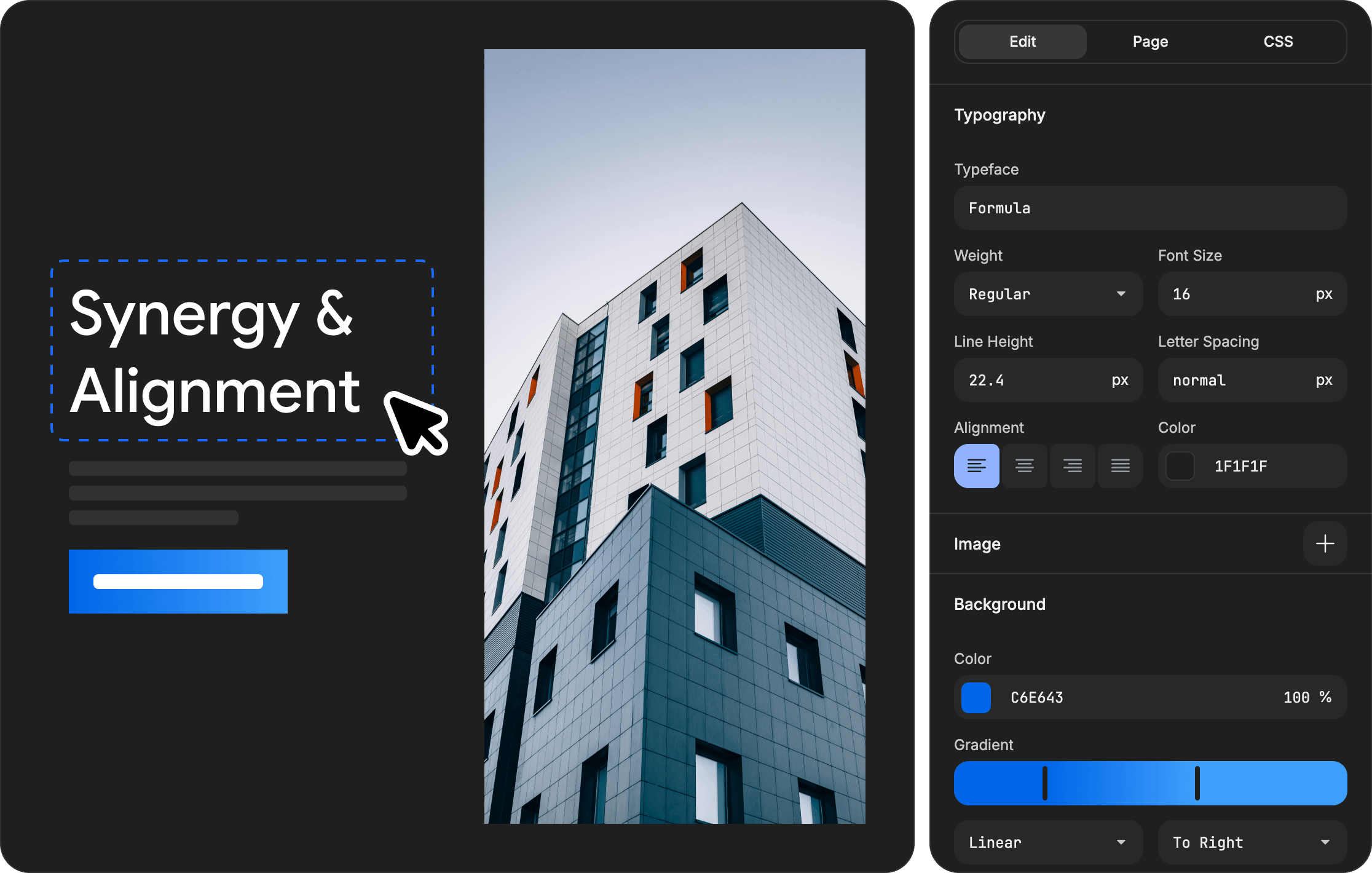
Adjust font family, size, weight, line height, letter spacing, and text alignment.
Apply solid colors, linear and radial gradients with a built-in gradient picker.
Configure margins, paddings, display properties, alignment, and gap values.
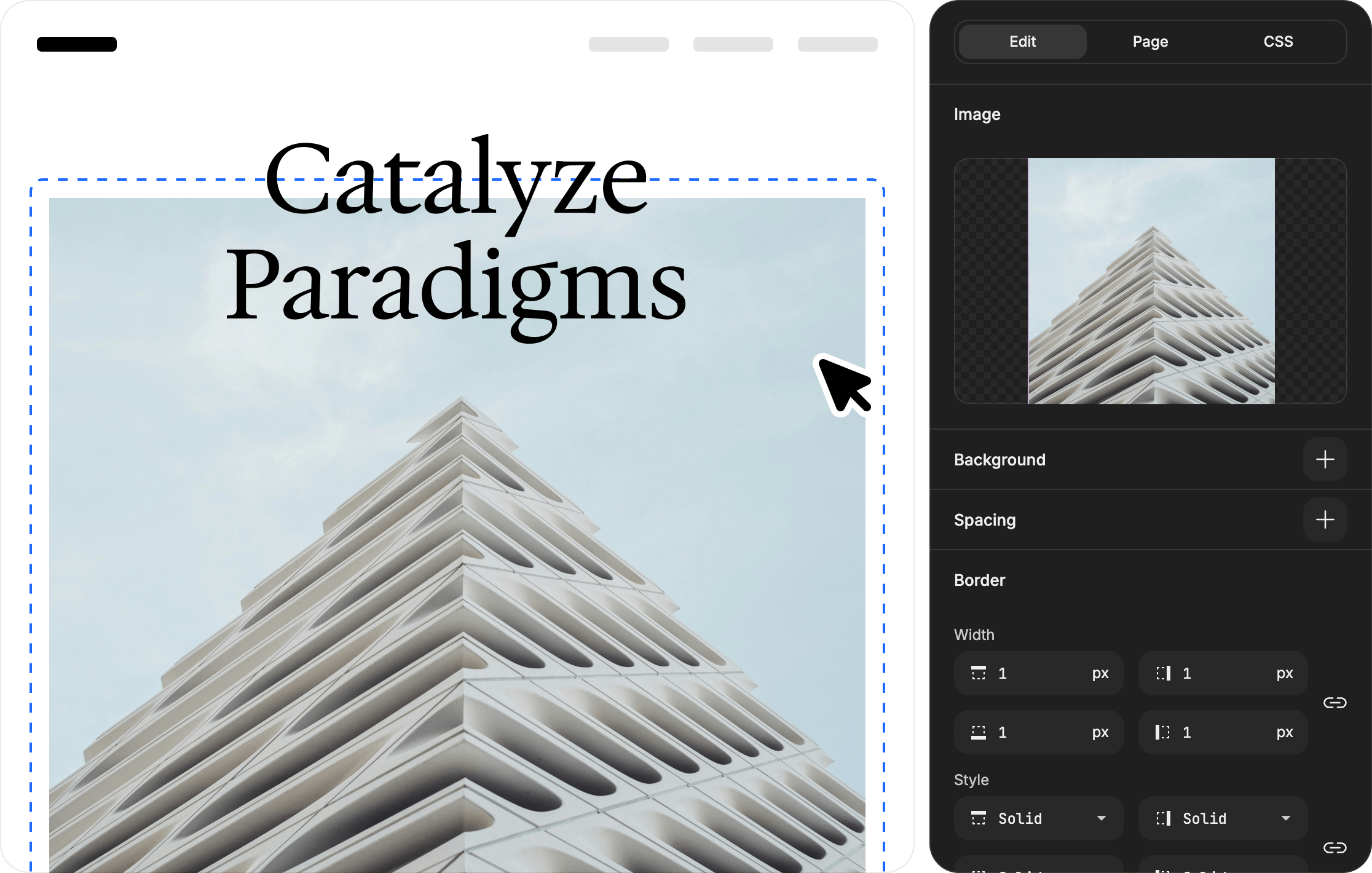
Customize border width, style, color, radius, and add multiple box shadows.
Fine-tune opacity, blend modes, backdrop blur, and rotation transforms.
Add or replace images by uploading your own.
Cut, copy, paste, duplicate or delete elements with ease.
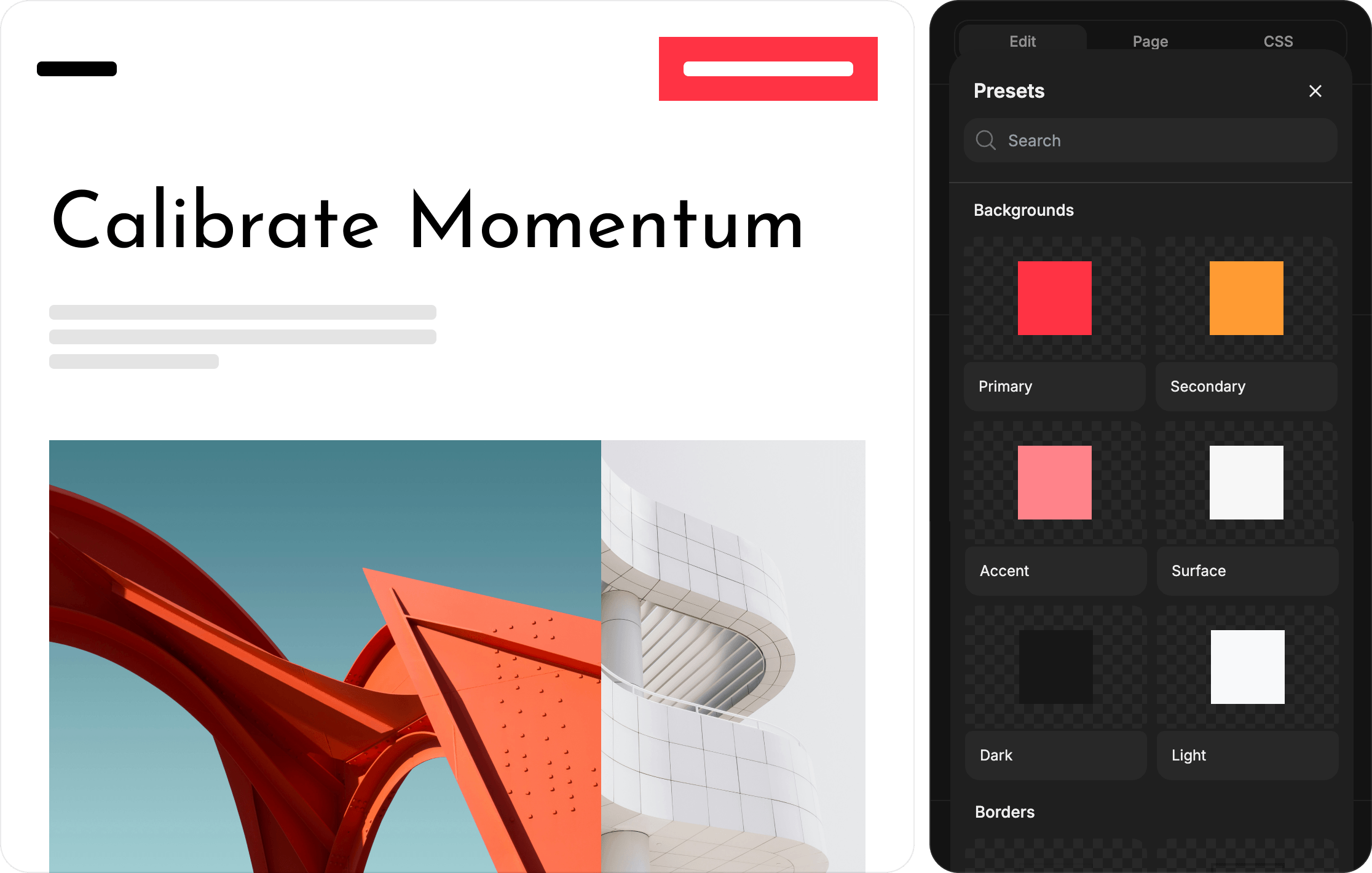
Browse and apply presets for shadows, borders, buttons, cards, typography, and effects.
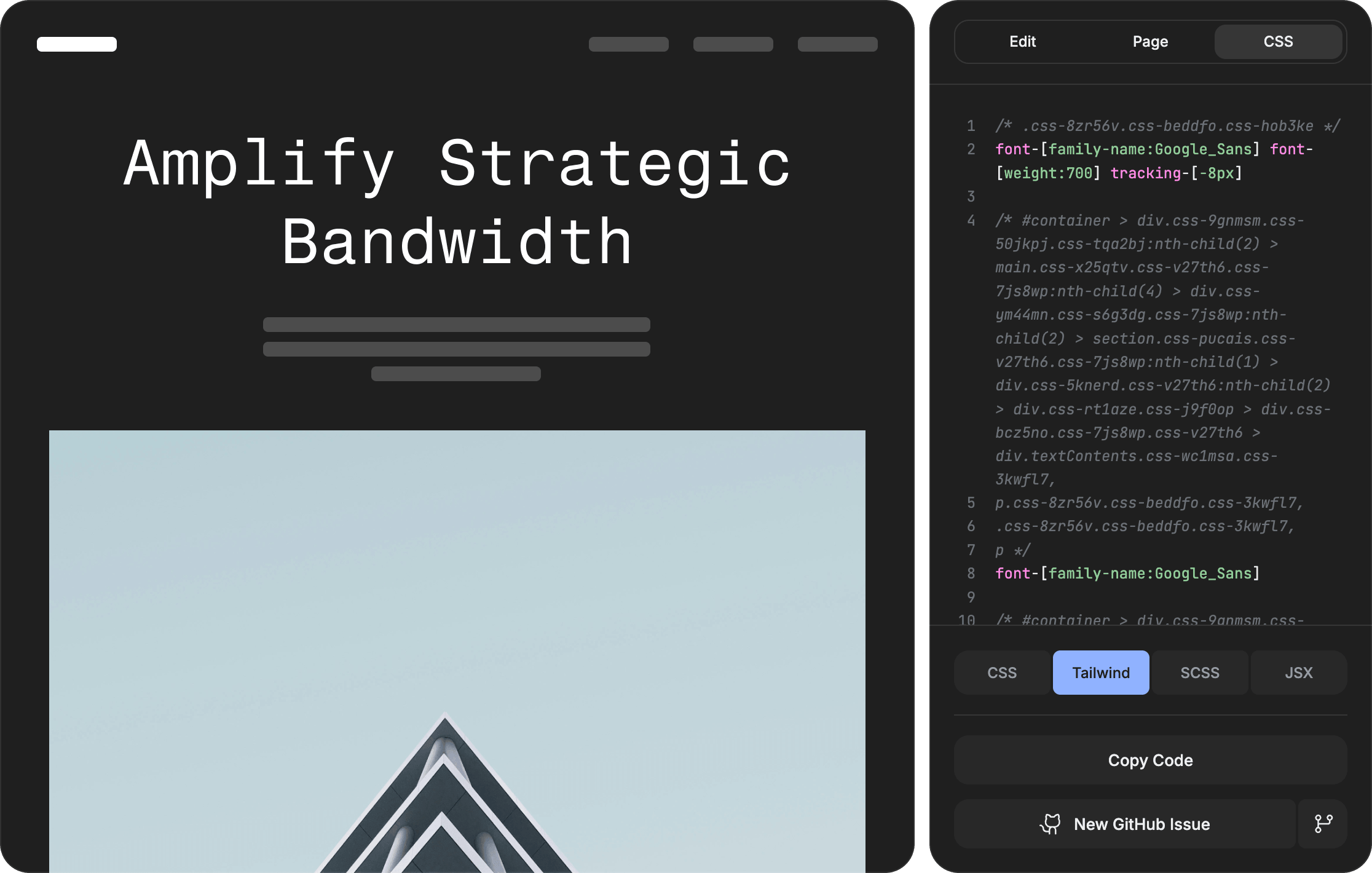
See the compiled CSS for individual elements or the entire page and copy it instantly.
Capture a full viewport screenshot of your styled page.
I bought this app and couldn't stop recommending it to everyone around me. As a designer, I can say this is truly an excellent product.
Chrome Web Store Review
One-time purchase · 30-day money-back guarantee · Regional pricing available
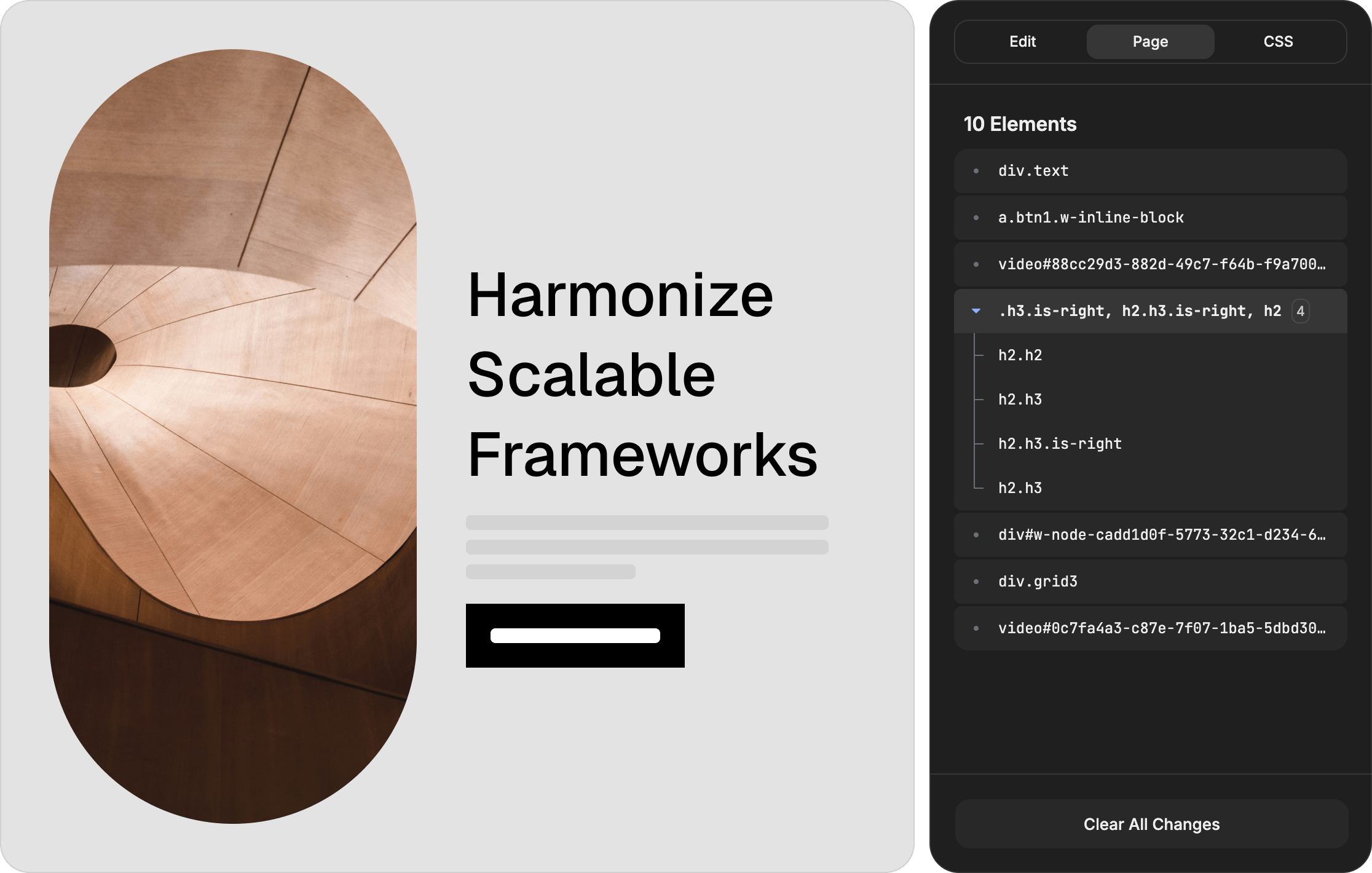
Use the sensitivity slider to apply changes to matching elements, with smart semantic class detection that goes beyond tag names.
Save any element as a reusable preset and apply it with a single click.
Reuse your saved presets across any website for consistent styling everywhere.
Export your changes as Tailwind utility classes ready for your codebase.
Export nested SCSS with parent-child selector grouping.
Export your styles as camelCase JSX inline style objects.
Capture high-resolution PNG screenshots of individual styled elements.
Generate a GitHub issue with your design changes compiled to CSS.